 MyBestTools
Azure, AI, Modern Endpoint Management, Intune
Articles and insights about Microsoft Azure, Intune, and AI technologies
More Stories
Building LM Studio Copilot Expansion: Bringing Local LLMs to VS Code Chat
Have you ever wanted to use your favorite local LLM—the ones running on your own hardware via **LM Studio**—directly within the **VS Code Copilot Chat** interface? While VS Code provides an incredible experience with GitHub Copilot, there is a growing desire among developers to use local models for privacy, cost-efficiency, or to experiment with specific models that might outperform general-purpose cloud models for certain tasks.


How To Make LM Studio More Capable With Local MCP Instances
A practical look at how I turned LM Studio from a strong local model runner into a more capable AI assistant by adding MCP integrations discovered on mcp.so. LM Studio is already compelling before you add anything to it. It lets you run models locally, keep sensitive work on your own machine, and avoid depending on a hosted chat app for every task. For privacy-conscious users, developers, and teams experimenting with local AI, that is a strong starting point. But a local model on its own still has the same hard limit as every other isolated model: it only knows what is in the prompt and what was in training. It cannot browse your files, inspect a repo, look up live information, or interact with the tools you already use unless you give it a structured way to do that.
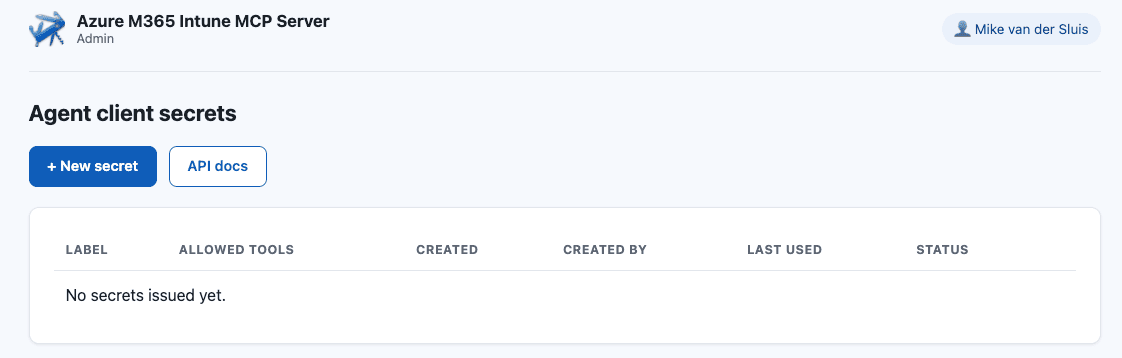
Managing Microsoft 365 and Intune with an AI Assistant: Introducing MCP M365 Management
If you spend any part of your week clicking through the Entra admin center or the Intune portal to check a device's compliance status, list a group's members, or spin up a new user, you already know the drill: it's rarely *hard*, it's just slow, and it's the kind of task that's perfect for delegating to an AI assistant — if that assistant actually had a way to talk to Microsoft Graph. That's what **MCP M365 Management** is for. It's a [Model Context Protocol](https://modelcontextprotocol.io) server that gives any MCP-compatible AI client — Claude Desktop, VS Code, or your own agent — 33 tools for managing Microsoft Entra ID, Intune, SharePoint, OneDrive, and more, backed directly by the Microsoft Graph API. Credit where it's due: this project is built on the original MCP M365 Management server created by [Thiago Beier](https://github.com/thiagogbeier/mcp-m365-mgmt). His work is what got the 33 Graph-backed tools to a working stdio server in the first place — everything described below on hosting it for a team of agents is what we built on top of that foundation.

How to make code-only pipelines for Azure Functions
A step-by-step guide to make fast ci/cd pipelines.
How to deploy a simple Docker container to Azure
A step-by-step guide to deploying your first Docker container on Azure, including prerequisites, setup, and troubleshooting tips.